Category All Posts

blog posts by foxcomm it solutions

Read Aloud toggle switch for IT support solutions and professional technology services.

Turn Read Aloud on or off in Outlook

Home / Select File > Options > Accessibility. Under Application display options, select or clear the Show Read Aloud checkbox.   Let Outlook read your messages to you. On the Home tab, select Read Aloud. The Read Aloud controls appear in…
Remote IT support for Webex meetings with expert technical assistance and troubleshooting services.

Cisco Webex System Guide

Home / Download the Cisco Webex User Guide Staying connected and collaborating efficiently has never been more important. Cisco Webex is one of the leading enterprise-grade communication platforms used by…

Citrix hosted desktop interface displayed

How to log in to Citrix Hosted Desktop

Home / Step 1 Download and install the latest ‘Citrix Workspace Software’  (Instructions to Install Workspace Software) Step 2 Go to the User Handover Document to obtain the login link  [This should…

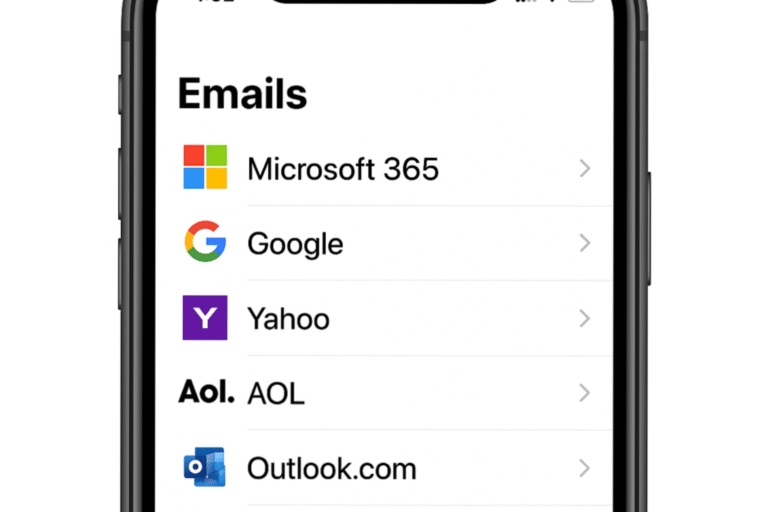
Email management on mobile device with Microsoft 365, Google, Yahoo, AOL, and Outlook apps.

Set up Microsoft 365 Emails on an iPhone

Home / Step 1 Set up Two Factor Authentication 1- Go to portal.office.com 2- Log in using the provided email and password by foxcomm.  After you choose “Sign in,” you’ll be prompted to…